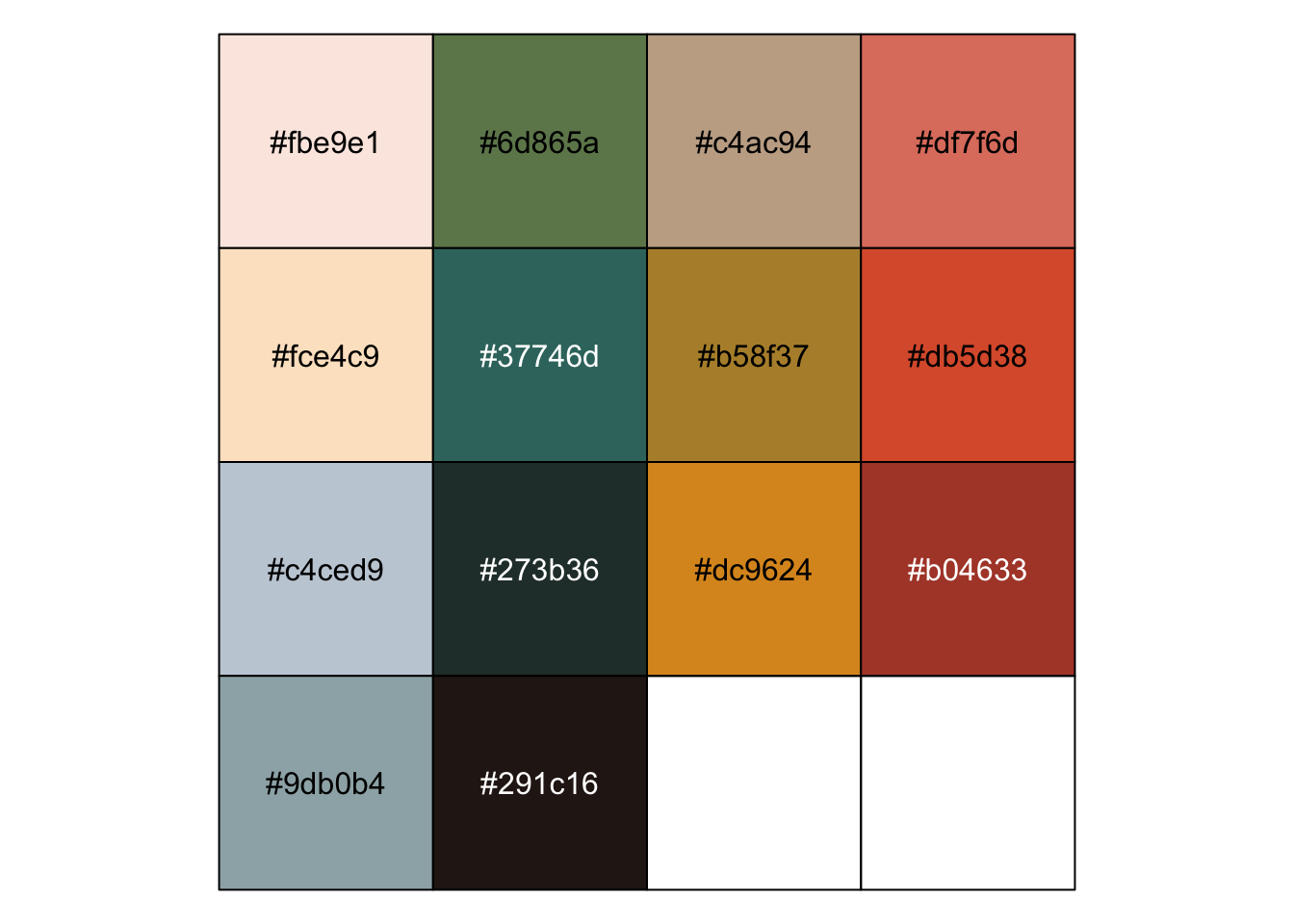
scales::show_col(c(
  "#fbe9e1",
  "#6d865a",
  "#c4ac94",
  "#df7f6d",
  "#fce4c9",
  "#37746d",
  "#b58f37",
  "#db5d38",
  "#c4ced9",
  "#273b36",
  "#dc9624",
  "#b04633",
  "#9db0b4",
  "#291c16"
))
As is becoming the norm for my RStudio theme inspirations, I was inspired by something I saw. This time, it was the works of Rosalie Gascoigne at the National Gallery of Australia.
I took some quick snaps (I’m no art photographer, apologies), to use as a reference image when creating the RStudio theme.
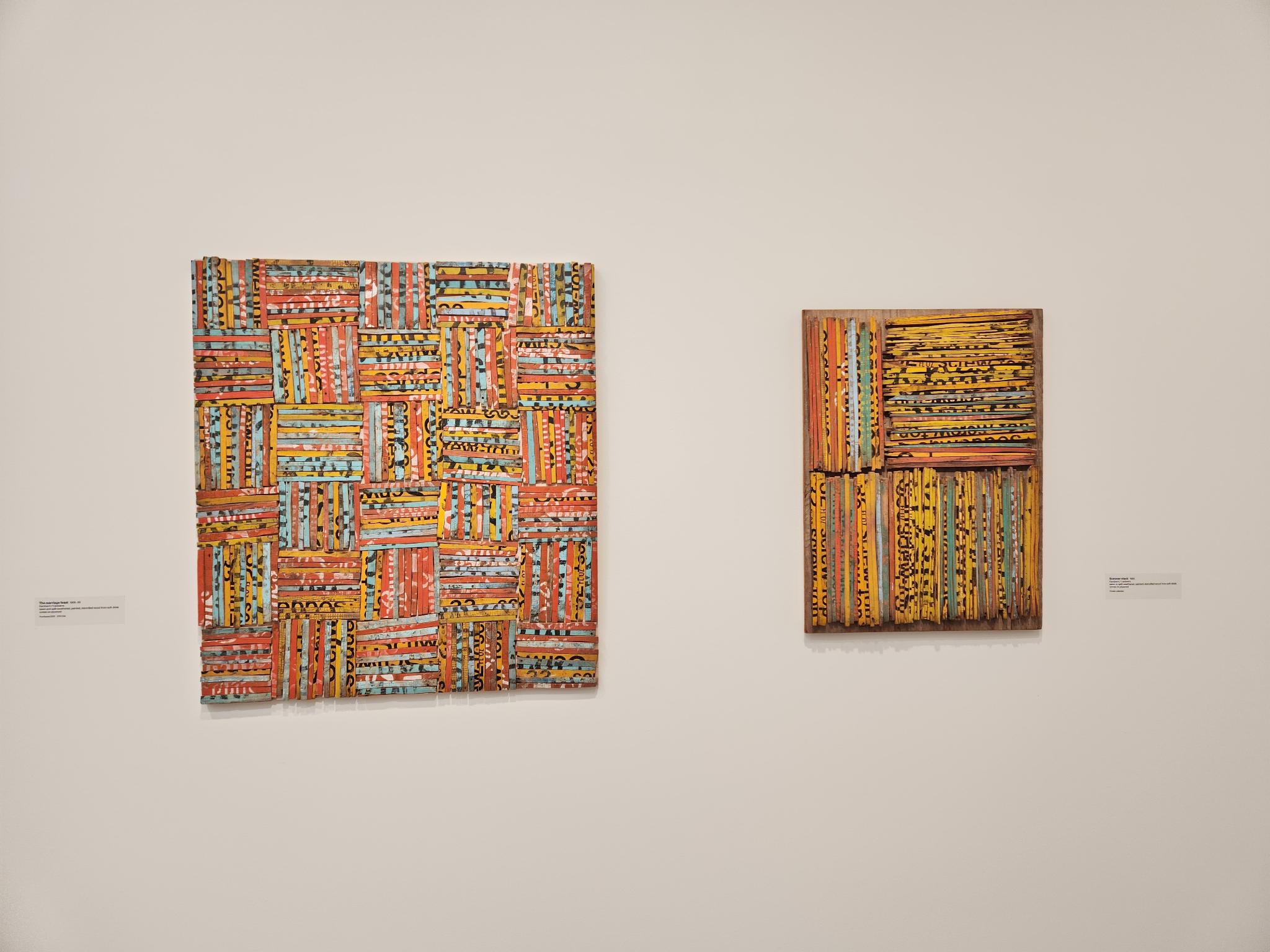
My typical approach is to pop an image into a colour picker tool (like this), using it to pick out colours I like and get their hex codes.
scales::show_col(c(
"#fbe9e1",
"#6d865a",
"#c4ac94",
"#df7f6d",
"#fce4c9",
"#37746d",
"#b58f37",
"#db5d38",
"#c4ced9",
"#273b36",
"#dc9624",
"#b04633",
"#9db0b4",
"#291c16"
))
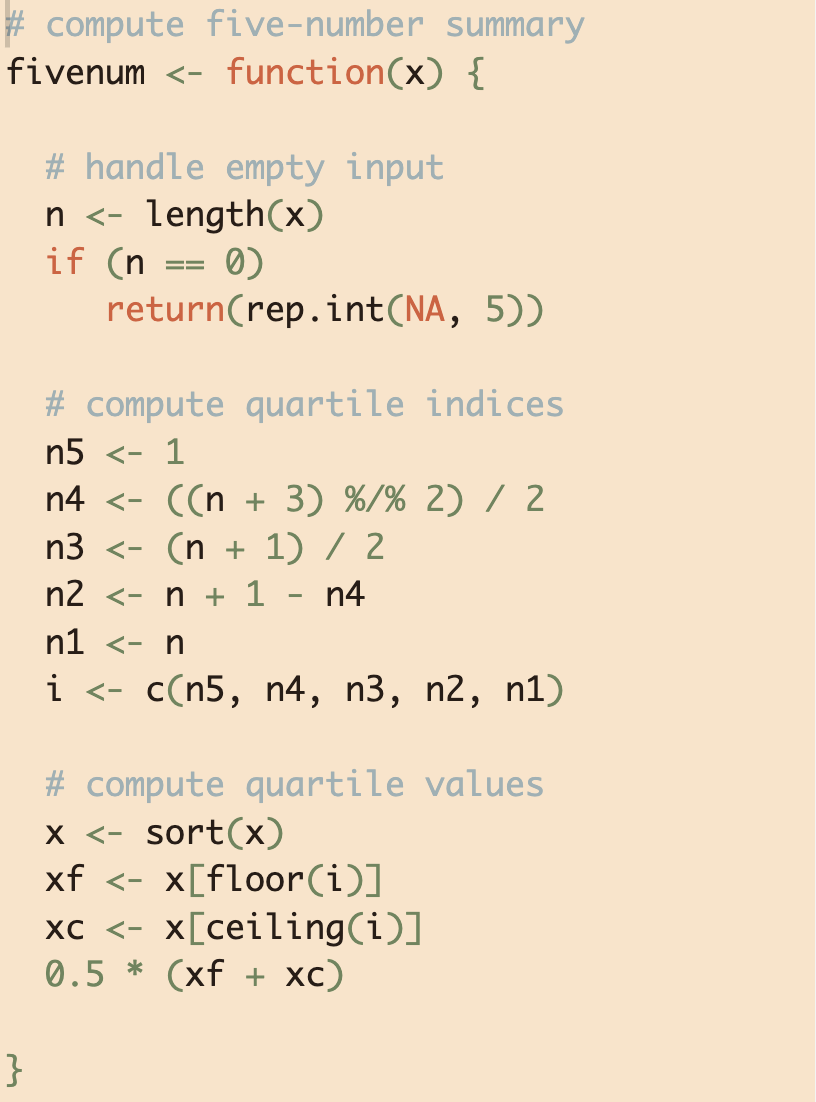
With these colours in hand, I set to making the theme. This time around, however, it was much easier to produce the theme now that I have an RStudio theme builder (a tool I’ve been wanting for some time).
So here it is, the rosalie RStudio theme. Now available from my rsthemes GitHub repo.